
How to Resize Photo for SSC, UPSC & IBPS Forms Online
Resizing images for government portals can be frustrating. PhotoResizer.in uses advanced local processing to ensure your photo matches the exact KB limits and pixel dimensions required for a successful application.
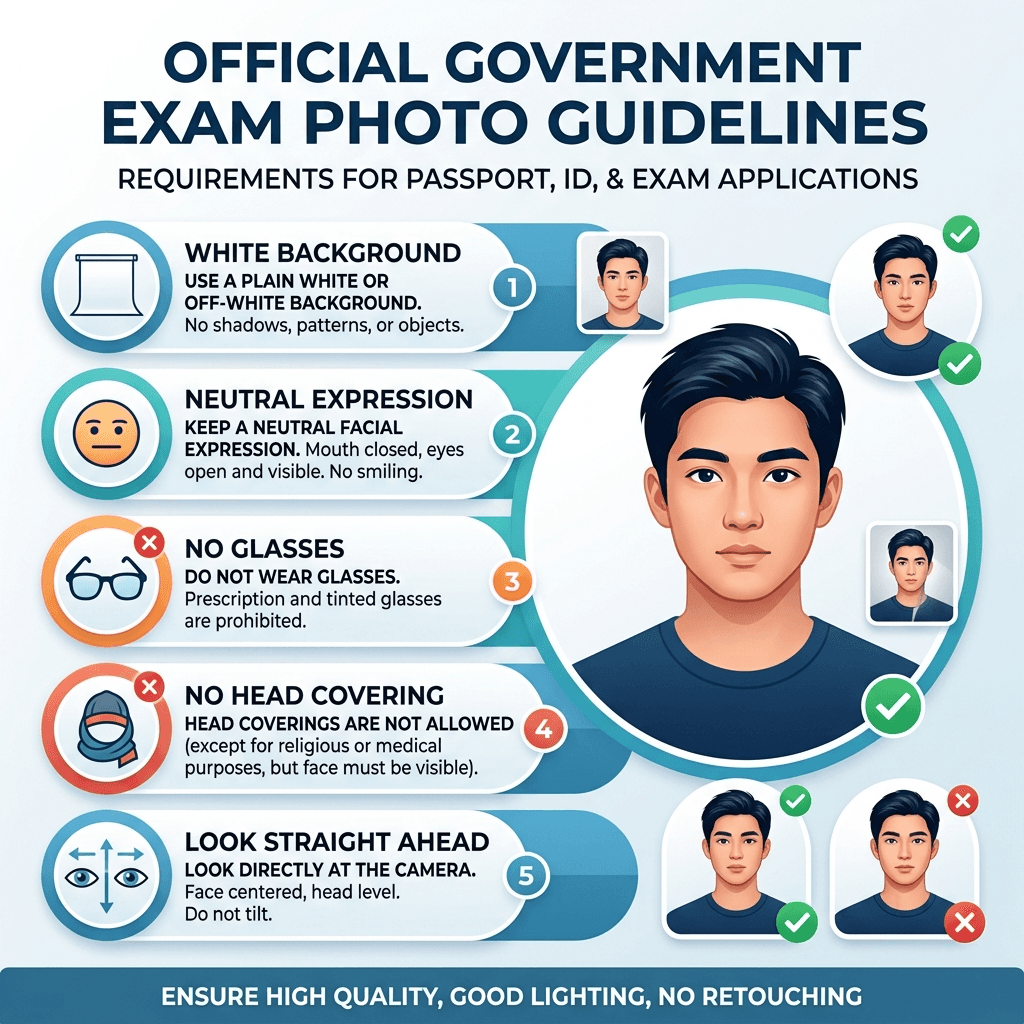
- Take a clear photo: Ensure a plain white background and good lighting.
- Upload for local processing: Your photo never leaves your device.
- Choose your exam preset: Select SSC, UPSC, or simply "Resize to 20KB".
- Download instantly: You get a perfectly formatted JPEG file.
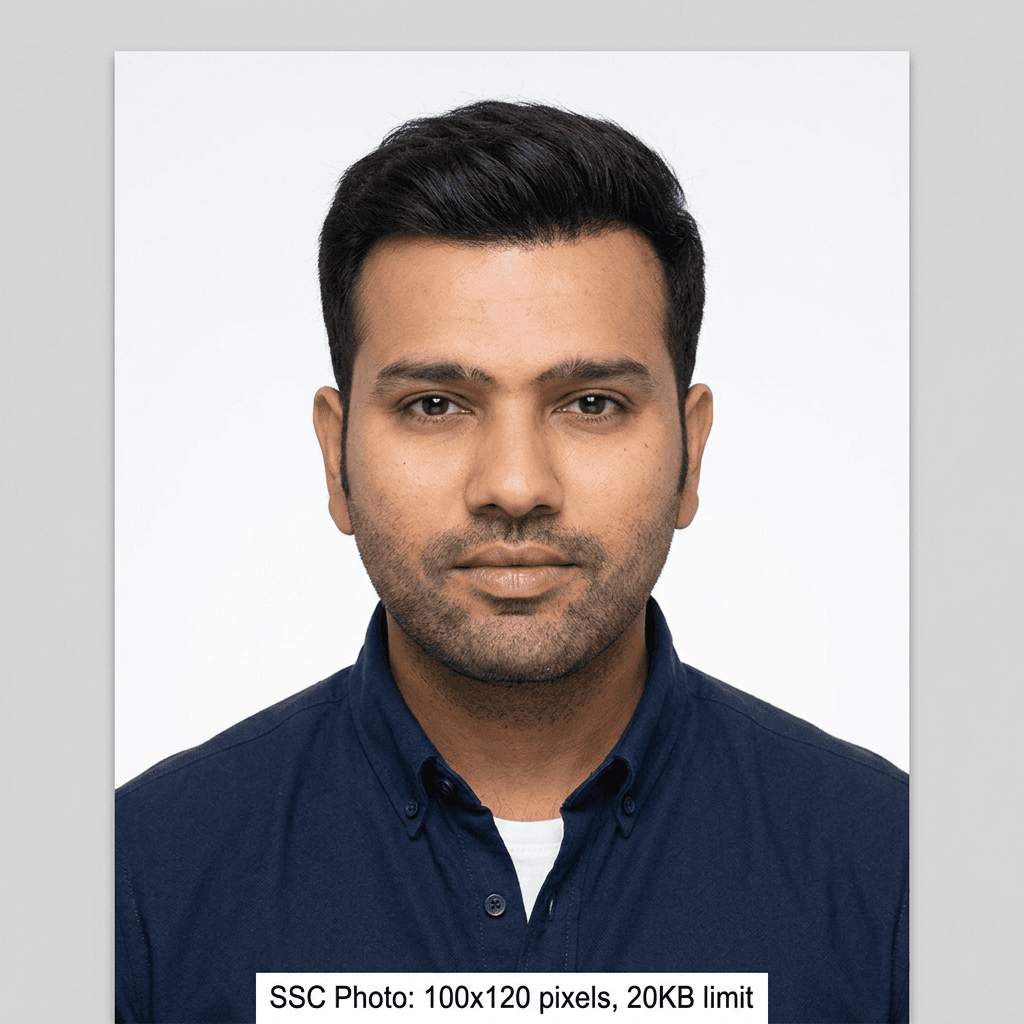
Government Exam Photo Size Requirements (2026 Update)
SSC (CGL/CHSL)
20 KB - 50 KB
3.5 x 4.5 cm
UPSC Civil Services
20 KB - 300 KB
350 x 350 pixels
IBPS (Banking)
20 KB - 50 KB
200 x 230 pixels
Railway (RRB)
20 KB - 50 KB
3.5 x 4.5 cm
NEET / NTA
10 KB - 200 KB
Postcard Size
PAN Card
2 KB - 20 KB
2.5 x 3.5 cm
Common Photo Upload Errors in Government Forms
Incorrect Background
Portals strictly require plain white or light backgrounds. Selfies are rejected.
KB Limit Violation
Photos over 50KB (SSC) or under 20KB (UPSC) trigger errors.
Wrong Format
Most exams only accept .jpeg or .jpg. PNG/WebP files will fail.
Why PhotoResizer.in is Best for Government Exam Photos
No Uploads
100% Client-side processing.
Exact KB Match
Smart compression hitting exact limits.
2026 Presets
Updated guidelines for all exams.
Zero Ads
No watermarks on your official photos.