
What is the TikTok Thumbnail Size in 2026?
The standard TikTok thumbnail size (also known as the TikTok cover image size) is 1080 × 1920 pixels. This follows a 9:16 aspect ratio, which is the native vertical format for mobile viewing.
Using the correct dimensions is crucial because TikTok profile grids and search results display these covers prominently. If your image is too small or has the wrong ratio, it will appear blurry or awkwardly cropped, which can significantly hurt your video's click-through rate (CTR).
- Resolution: 1080 x 1920 px (High Definition)
- Aspect Ratio: 9:16 (Vertical)
- File Format: JPG or PNG recommended
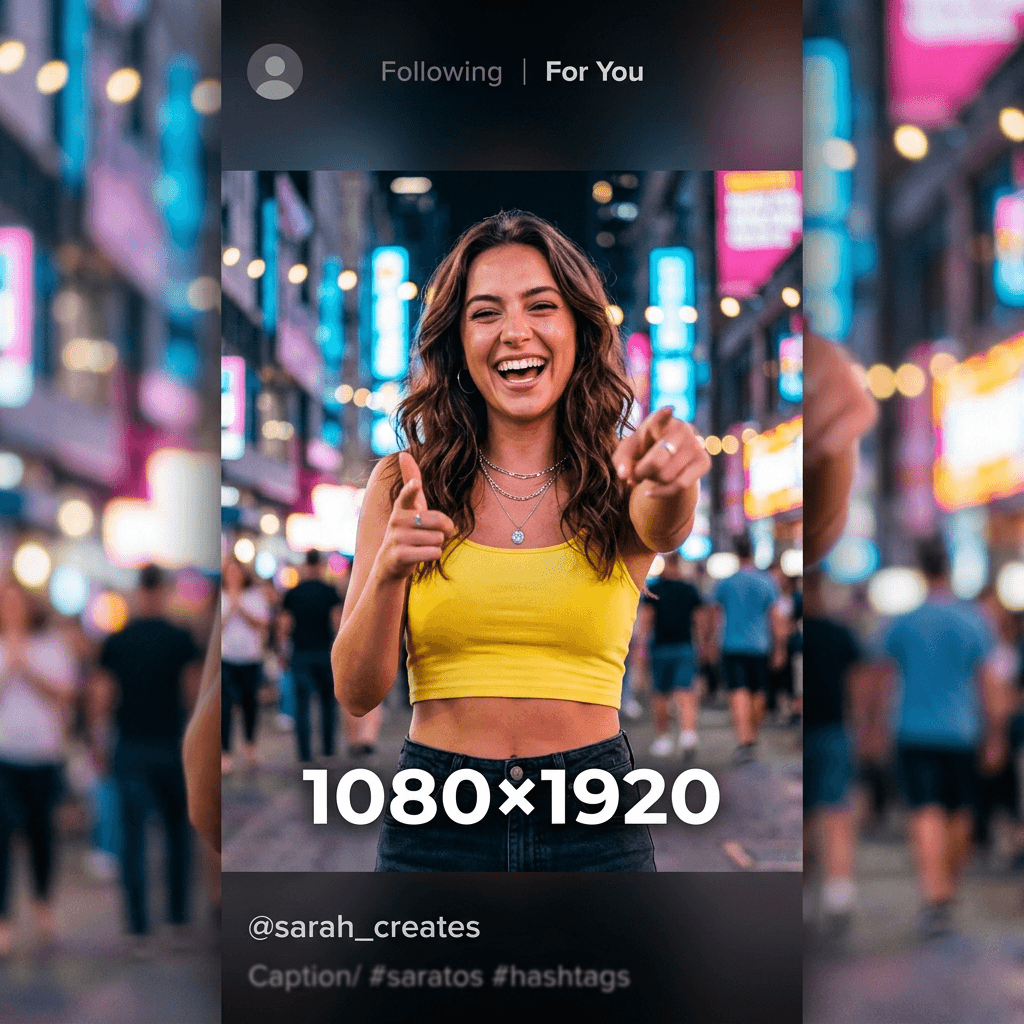
1080 × 1920 (9:16)
How to Resize Image for TikTok Thumbnail
1. Upload Image
Click the upload box above to select your photo (JPG, PNG, or WebP).
2. Set 1080×1920
Our tool defaults to 1080x1920. You can also adjust the crop or quality.
3. Download
Hit the "Resize" button and download your perfectly sized TikTok cover.
Best TikTok Thumbnail Tips for More Views
Use High Contrast & Bright Colors
TikTok's background is mostly dark or white. Use vibrant colors and high contrast to make your cover pop in the feed.
Facial Clarity
Humans are naturally drawn to faces. Ensure your face (or the subject's face) is large, clear, and centered.
Bold, Readable Text
Most users view TikTok on small screens. Use chunky, high-contrast fonts that are readable even in a small profile grid.
Mind the Safe Zone
Keep important elements in the center 80%. Avoid the bottom and sides where TikTok UI icons often overlap.
TikTok Thumbnail vs Instagram Story Size
Interestingly, TikTok video covers share the exact same dimensions as Instagram Stories and YouTube Shorts. All three platforms use the 1080×1920 pixel format with a 9:16 aspect ratio.
This means you can often repurpose the same vertical image or graphic for all three platforms without needing to resize each time.
Frequently Asked Questions
What is the TikTok thumbnail size in 2026?→
Can I change my TikTok cover photo after uploading?→
What is the best format for TikTok thumbnails?→
Is 1080×1920 required for all TikTok covers?→
What is the "Safe Zone" for TikTok thumbnails?→
More Social Media Size Guides
Pro Tip: Always use Original Files
Avoid using screenshots as thumbnails. Every time you screenshot an image, it loses resolution. For the sharpest TikTok cover photos, always upload the original image file directly from your camera roll.
Boost Your TikTok Views Today
A pixel-perfect thumbnail is the first thing people see. Use our free, private, browser-based tool to ensure your content looks professional on every screen.