
Photo Size Converter Online – Change Image Size in KB & Pixels
Convert photo size to exact KB (20KB, 50KB, 100KB) and pixels. The ultimate photo size converter and dimension changer for all online forms.Upload multiple images for batch processing. Your files never leave your device. 100% free & private.
Photo Size Converter — What It Does
A photo size converter (also called a photo dimension changer, image size converter, or picture size changer) lets you change two things about your photo:
- File Size (KB/MB): Compress or expand the file weight to meet portal upload limits.
- Pixel Dimensions (Width × Height): Change the physical canvas size to exact pixel or cm values.
Common Photo Size Conversions
| Purpose | Target Size | Dimensions |
|---|---|---|
| SSC/IBPS Exam Photo | 20–50 KB | 200 × 230 px |
| UPSC Photo | 20–300 KB | 350 × 350 px min |
| Passport Photo | 20–350 KB | 350 × 450 px |
| Instagram Square | Under 500 KB | 1080 × 1080 px |
| LinkedIn Post | Under 500 KB | 1200 × 627 px |
| Driving Licence | 10–20 KB | Passport size |
Convert Image Size to Exact KB
Need to hit a precise file size limit for a government form or portal? Use our specialized KB conversion tools to resize your photo to the exact weight required.
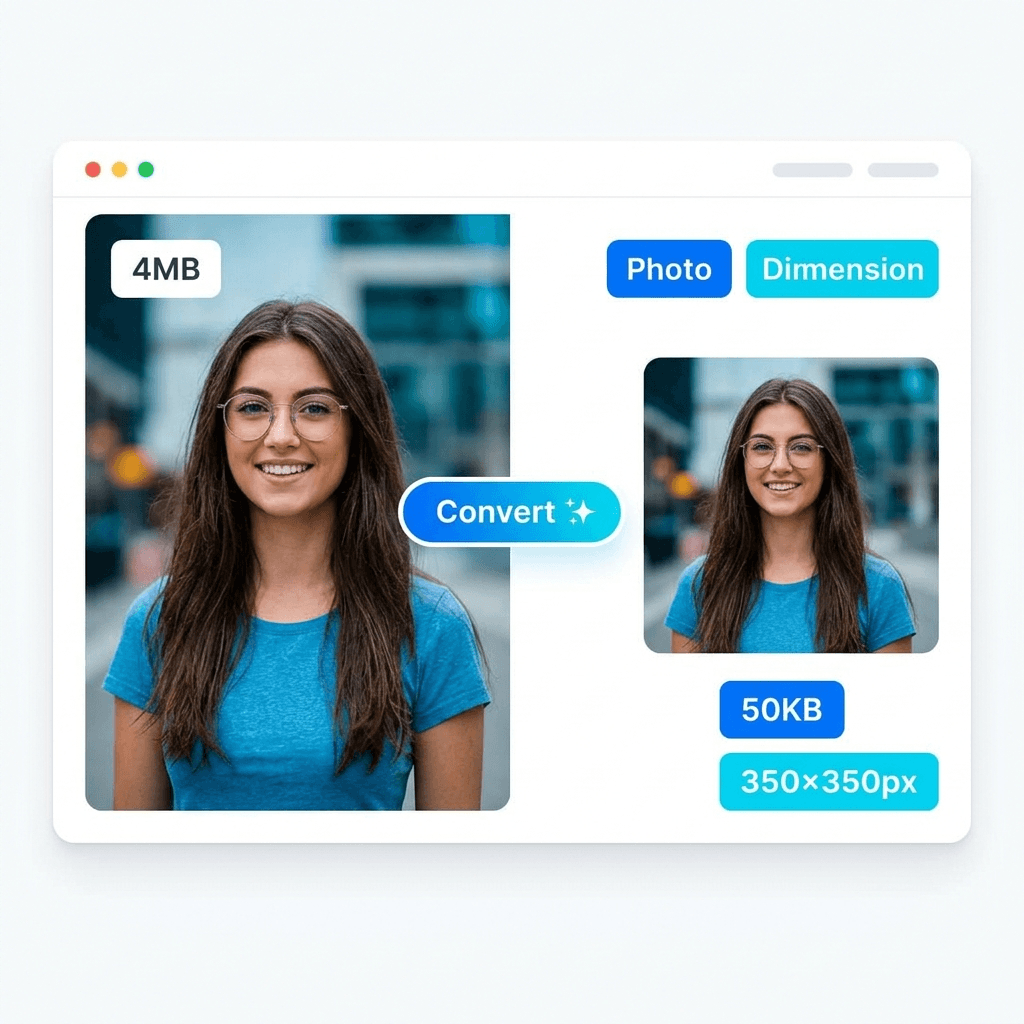
How to Use the Photo Dimension Changer
Upload Photo
Select a JPEG, PNG, or WebP file from your device.
Set Size
Enter target KB or pixel dimensions (e.g., 350x350).
Convert
Our tool handles conversion locally in your browser.
Success
Download your perfectly converted image instantly.
Why You Need a Photo Size Converter
Online platforms have strict rules. If your photo is one pixel too wide or one KB too heavy, the upload fails. A dedicated photo size converter ensures your images are compliant with:
Government Forms
Meet strict requirements for SSC, UPSC, IBPS, and Aadhaar portal uploads.
Passport & Visa
Convert photos to exact 2x2 inch (600x600 px) for US and international visas.
Social Media
Optimize dimensions for Instagram, LinkedIn, and Facebook to avoid blurry cropping.
Email Attachments
Reduce high-res 4MB photos to under 100KB for fast sharing via email.
Photo Size Converter vs Image Resizer
Many users confuse these terms. While similar, they serve different primary goals:
- Converter: Focuses on changing values — converting 4MB to 50KB or PNG to JPG.
- Resizer: Focuses on scale — shrinking 4000px width down to 1000px.
PhotoResizer.in functions as both, allowing you to convert dimensions and KB size simultaneously in one workflow.
Start Converting Your Image Size Now
Join thousands of applicants who use our private, browser-based photo size converter for error-free document uploads.
Open Converter ToolHow to Convert Image Size Without Losing Quality
Converting an image to a smaller KB size often requires compression. To ensure your photos stay sharp:
Source Material
Always start with the highest possible resolution photo from your camera.
Optimal Format
Use JPEG for photos and PNG only when transparency is absolutely needed.
Smart Compression
Our tool uses multi-pass compression to hit KB targets with the least artifacts.
Photo Size vs Photo Dimensions — Quick Guide
📦 File Size (KB/MB)
The amount of storage space the file takes. Controlled by compression quality and resolution. Small file = faster upload, but potentially lower quality.
📏 Dimensions (Pixels)
The width and height in pixels. Determines how large the image appears. A 3000×4000 photo from a phone camera is typically way too large for web forms.
Frequently Asked Questions
What is a photo size converter?→
How to convert landscape photo to portrait online?→
How to convert image size to 50KB?→
How to change image size without losing quality?→
What is the best photo size converter online?→
Can I convert both dimensions and file size at once?→
Popular Size Converters
Pro Tip: Avoid "Double Conversion"
Never convert a photo that has already been compressed. Each conversion slightly reduces clarity. For the sharpest results, always start with the original file from your camera or phone gallery.