
Image Tool

Singapore NRIC Photo Size & Resizer Online (Free)

Singapore National Registration Identity Card (NRIC) applications via the ICA e-Service require a 35x45mm photo with a white background. This tool ensures your digital photo meets all ICA specifications for a smooth application.Upload multiple images for batch processing. Your files never leave your device. 100% free & private.

Zero uploads
Instant process
All devices
Batch processing

Drag & drop your images here

Select multiple images for batch processing

or

Supports JPG, PNG, WebP • Max 10MB each • Batch upload supported

Resize Mode

Dimension Settings

Click "Set dimension and resize" below to specify dimensions.

Agniveer / Army Slate

Preview

Upload images to see preview

FROM OUR ECOSYSTEM

Build an AI-Powered Support Bot for Your Website in Minutes

Need a 24/7 AI agent? Try Scriptly free. Perfect for automating support and converting leads effortlessly.

Used by thousands of applicants for official government ID submissions for Singapore NRIC across the globe.

Singapore NRIC Photo Size in KB, Pixels & Dimensions

To ensure your Singapore NRIC application is not rejected, you must follow the exact technical specifications required by the ICA (Immigration & Checkpoints Authority).

  • Pixels: 400 x 514 pixels (35 x 45 mm at 300 DPI)
  • Dimensions: 35 × 45 mm
  • File Size: 400 × 514 pixels
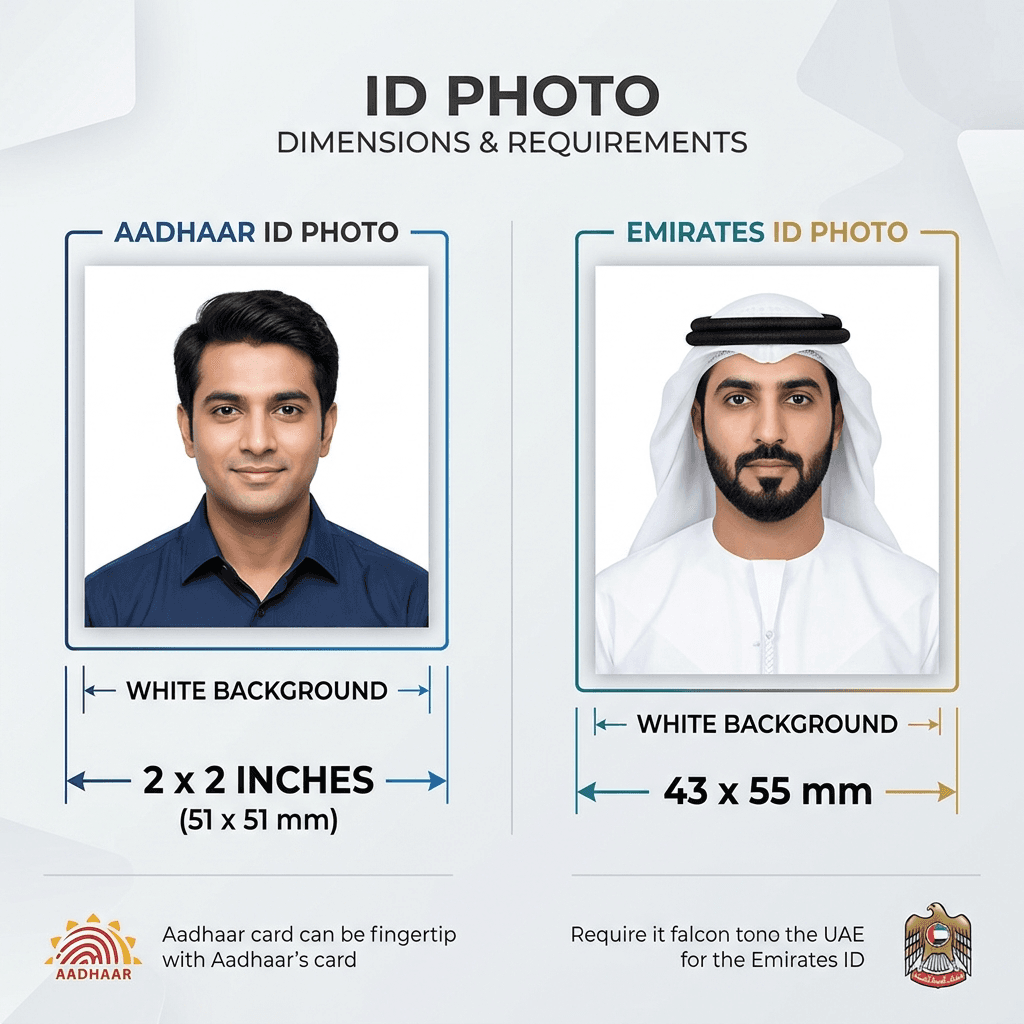
Singapore NRIC photo dimensions and pixel requirements example

How to Resize Singapore NRIC Photo Online

01

Upload

Select your photo from your device.

02

Format

Apply the Singapore NRIC preset.

03

Download

Get your government-compliant file.

Singapore NRIC Photo Size 2026 Requirements

For the 2026 application cycle, ICA (Immigration & Checkpoints Authority) remains strict about background uniformity and face clarity. Using an online tool to match the Singapore NRIC image size in KB and dimensions ensures that your face covering is at the correct percentage and the background is plain white.

Common Mistakes to Avoid

  • Wearing spectacles with reflective lenses
  • Hair covering eyebrows or eyes
  • Shoulders not facing forward
  • Image too dark or low resolution

Why Use Our Singapore NRIC Photo Resizer

Privacy Guaranteed

Photos are processed locally; never uploaded.

Mobile Friendly

Resize directly on your phone.

Instant Processing

Get results in under 5 seconds.

Govt Compliant

Presets matched to official specs.

Ready to submit your Singapore NRIC application?

Don't risk rejection due to poor photo formatting. Join thousands of successful applicants globally.

Resize Your Singapore NRIC Photo Now

Frequently Asked Questions

What is the NRIC photo size in mm?
The official Singapore NRIC photo size is 35mm width by 45mm height.
Is a white background required for NRIC?
ICA requires a plain white background for all NRIC and Passport applications.
Can I use a selfie for NRIC photo?
No, self-taken selfies are generally not accepted. We recommend having someone else take the picture using a high-quality camera.
How to resize NRIC photo to 2MB?
Our tool ensures the file size is optimized for ICA. Simply upload your photo and choose the NRIC preset.
Is the background for Singapore NRIC photo required to be white?
Yes, most government portals for Singapore NRIC strictly require a plain white or light-coloured background. Our tool allows you to check and ensure your background meets these requirements.
Can I resize my Singapore NRIC photo on a mobile phone?
Absolutely! PhotoResizer.in is fully optimized for mobile browsers. You can take a photo with your smartphone, upload it here, and get a perfectly resized version for your Singapore NRIC application instantly.
Is it safe to upload my Singapore NRIC photo here?
Yes, your privacy is our top priority. All image processing happens locally in your browser. Your sensitive Singapore NRIC photo is never uploaded to our servers and is deleted as soon as you close the tab.

Related ID Photo Tools