
Convert Image to 50KB Online (Free) – Quick and Pro
Convert any image format to exactly 50KB (not approx). Our free tool lets you convert and compress JPG, PNG, and WebP images to 50 KB without losing clarity.Upload multiple images for batch processing. Your files never leave your device. 100% free & private.
Why Convert Image to 50KB?
| Parameter | Value |
|---|---|
| Format Target | JPG / JPEG |
| Size Limit | Max 50KB |
| Original Files | PNG, WebP, BMP |
| Portal Compliance | SSC, UPSC, UPPSC |
Steps to Convert Image to 50KB
Upload your original image file
Tool automatically converts and optimizes to 50KB
Preview and Download your 50KB JPG instantly
Professional clarity is preserved
Visual Quality Guarantee
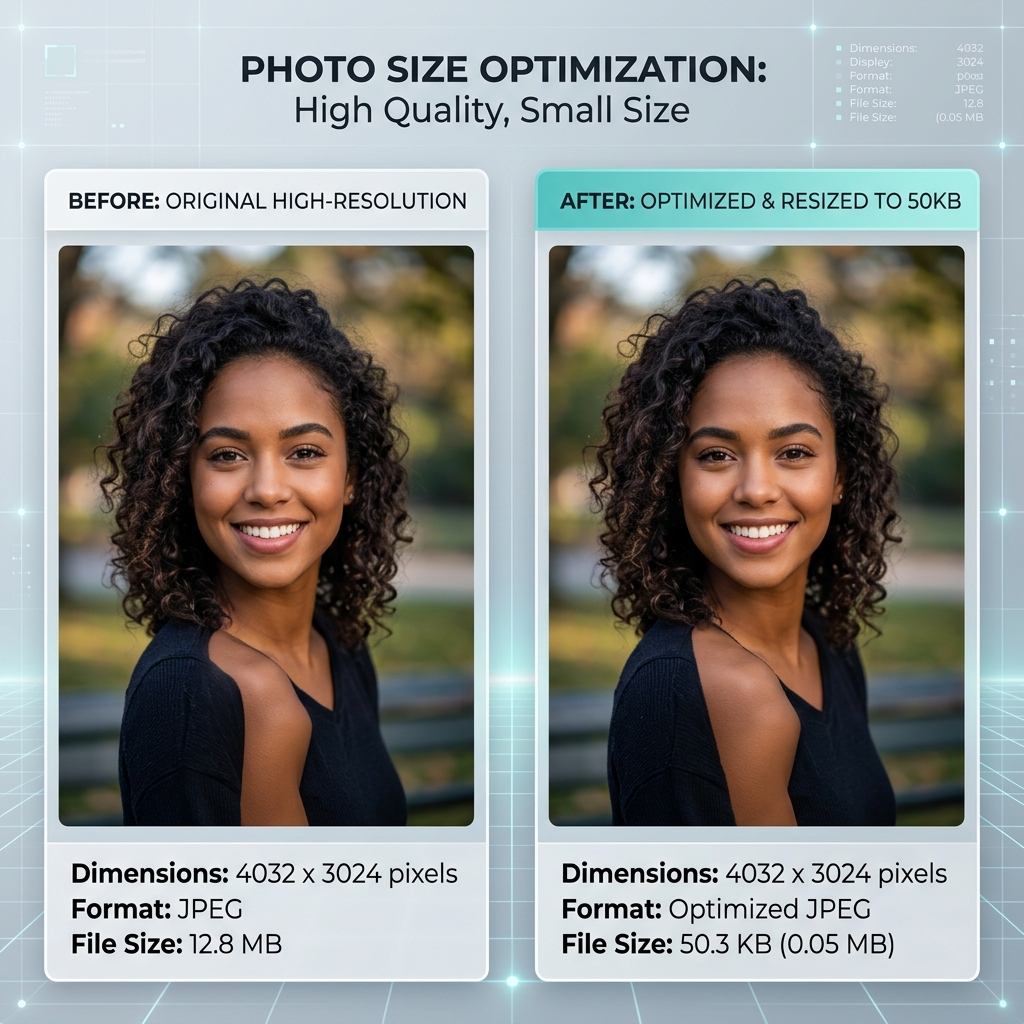
Our smart algorithm ensures your photos stay under 50KB while remaining sharp and professional.
How to Convert Image to 50KB Online
- 1Click the "Upload" button and select the image you want to convert.
- 2Ensure the target size is set to 50KB in the settings.
- 3Click "Convert Image" and wait for the conversion to finish.
- 4Download the converted 50KB JPG image instantly.
How to Convert PNG to 50KB JPG Without Losing Quality
When converting high-quality PNGs to a small 50KB JPG, metadata removal is key. Our 50KB converter strips all hidden data and uses advanced color sampling to ensure your photo looks great even at a much smaller file size.
50KB Image Conversion Pixels Guide
A 50KB JPG conversion is most effective when the source image is sharp. We recommend a target dimension around 600x600 pixels to maintain legibility and professional looks on official portals.
Common Uses of 50KB Converted Image
- SSC & UPSC Registrations: SSC and UPSC portals often require PNGs/WebPs to be converted to a 50KB JPG format.
- Digital Profile Photos: Many official IDs require profile pictures to be exactly under 50KB for digital issuance.
- Exam Hall Tickets: Generating Hall Tickets often requires your photo to be converted to a 50KB JPG format.
Best Tool to Convert Image to 50KB Online
Privacy Centric
Secure conversion that happens entirely in your browser. No server uploads.
Precise 50KB Targeting
We target the exact 50KB limit to pass strict portal checks.
Lossless Sampling
Advanced conversion that preserves facial features and text clarity.
Image Converter to 50KB Online
Converting images to 50KB is a standard requirement for major Indian application portals (SSC, UPSC). Our tool is designed to provide professional-grade conversion with one-click simplicity.
Whether you need to convert PNG to 50KB JPG, WebP to 50KB JPG, or BMP to 50KB JPG, our tool ensures your headshot or document is perfectly sized and crystal clear.