
Compress Image to 50KB Online (Free) – Quality Preserved
Compress image to exactly 50KB (not approx). Our free tool lets you reduce JPG, PNG, and WebP file sizes to 50 KB without losing clarity.Upload multiple images for batch processing. Your files never leave your device. 100% free & private.
Why Compress Image to 50KB?
| Parameter | Value |
|---|---|
| File Size Target | Exactly 50KB |
| Document Standards | High Quality |
| Accepted Formats | JPG, PNG, WebP |
| Portal Compliance | SSC, UPSC, Banking |
Steps to Compress Image to 50KB
Upload your JPG, PNG or WebP image
Tool automatically optimizes to exactly 50KB
Preview and Download your 50KB image instantly
Visual quality is preserved using smart compression
Visual Quality Guarantee
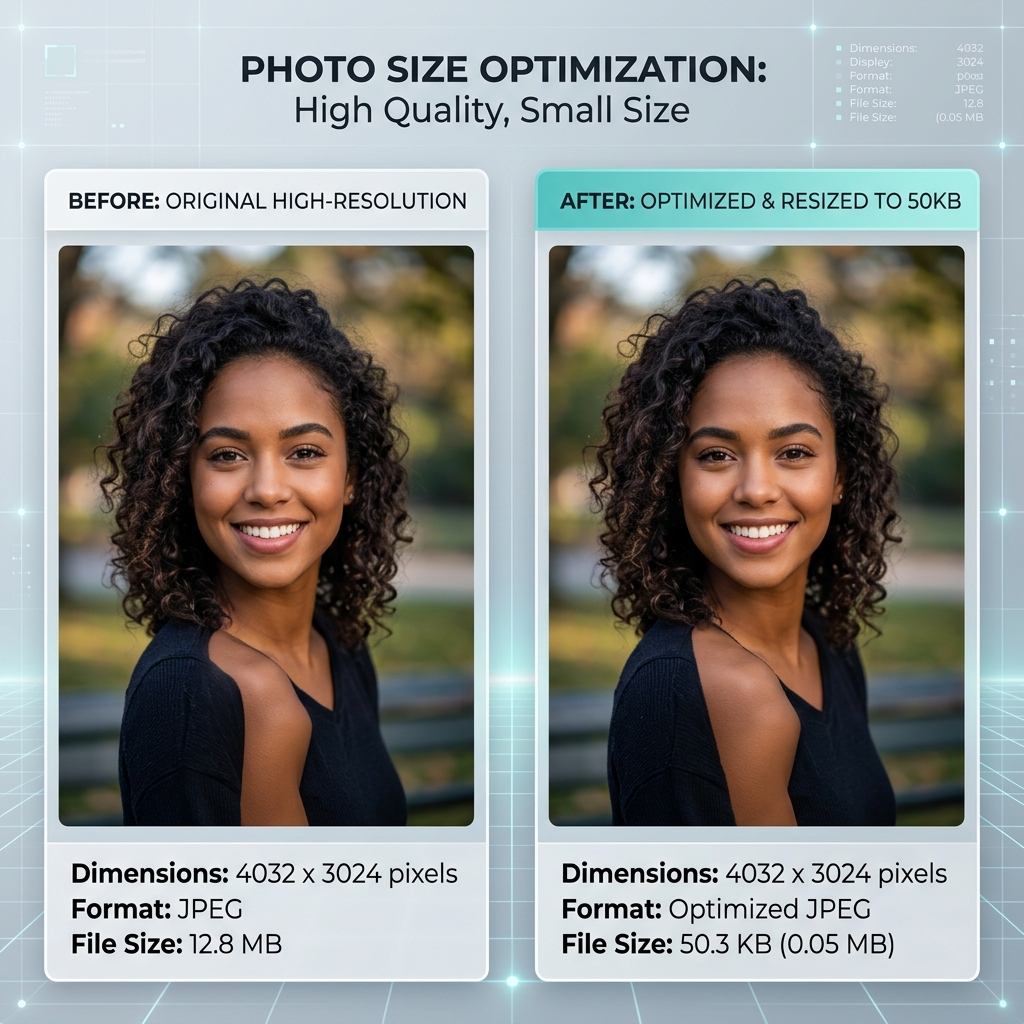
Our smart algorithm ensures your photos stay under 50KB while remaining sharp and professional.
How to Compress Image to 50KB Online
- 1Click the "Upload" button and select the image you want to compress.
- 2Ensure the target size is set to 50KB in the settings.
- 3Click "Compress Image" and wait for the optimization to finish.
- 4Download your 50KB image, ready for any online submission.
How to Compress Image to 50KB Without Losing Quality
Our "Lossless-Lite" compression ensures that your images reach the 50KB mark without typical artifacts or blurriness. We optimize the internal data structures of the image to maintain edge sharpness and color accuracy.
50KB Image Compression Pixels Guide
For a 50KB compressed image, we recommend a resolution around 600x600 pixels. This allows for enough detail for passport photos while easily fitting within the 50KB file size limit.
Common Uses of 50KB Compressed Image
- SSC & Government Portals: SSC and UPSC often have a 50KB cap on photo uploads.
- Digital Signatures: High-resolution signatures often need to be compressed to 50KB for banking forms.
- Identity Proofs: Scanning ID cards often results in large files that must be compressed to 50KB for upload.
Best Tool to Compress Image to 50KB Online
Local Processing
Secure compression that happens entirely in your browser.
Precision Targeting
We hit the 50KB limit exactly, unlike other approximate tools.
Zero Data Loss
Optimized specifically to avoid rejection on official government forms.
Image Compressor to 50KB Online
Compressing images to 50KB is a frequent requirement for Indian government job portals. Our tool is optimized to handle these requests with one-click simplicity, ensuring your JPG or PNG is ready for upload in seconds.
Whether you are applying for SSC, UPSC, or any state-level PSC, our 50KB compressor ensures your headshot or document is perfectly sized and crystal clear.