
Resize Image to 50KB Online (Free) – Compress JPG, PNG, WebP
Resize image to exactly 50KB (not approx). Our free tool lets you compress and convert JPG, PNG, and WebP images to 50 KB without losing quality.Upload multiple images for batch processing. Your files never leave your device. 100% free & private.
Why Resize Image to 50KB?
| Parameter | Value |
|---|---|
| Standard Photo Size | 20KB - 50KB |
| Document Uploads | Up to 50KB |
| Target File Formats | JPG, PNG, WebP |
| Application Types | SSC, UPSC, State PSCs |
Steps to Resize Image to 50KB
Upload your JPG, PNG or WebP image
Tool automatically optimizes to exactly 50KB
Preview and Download your 50KB image instantly
Visual quality is preserved using smart compression
Visual Quality Guarantee
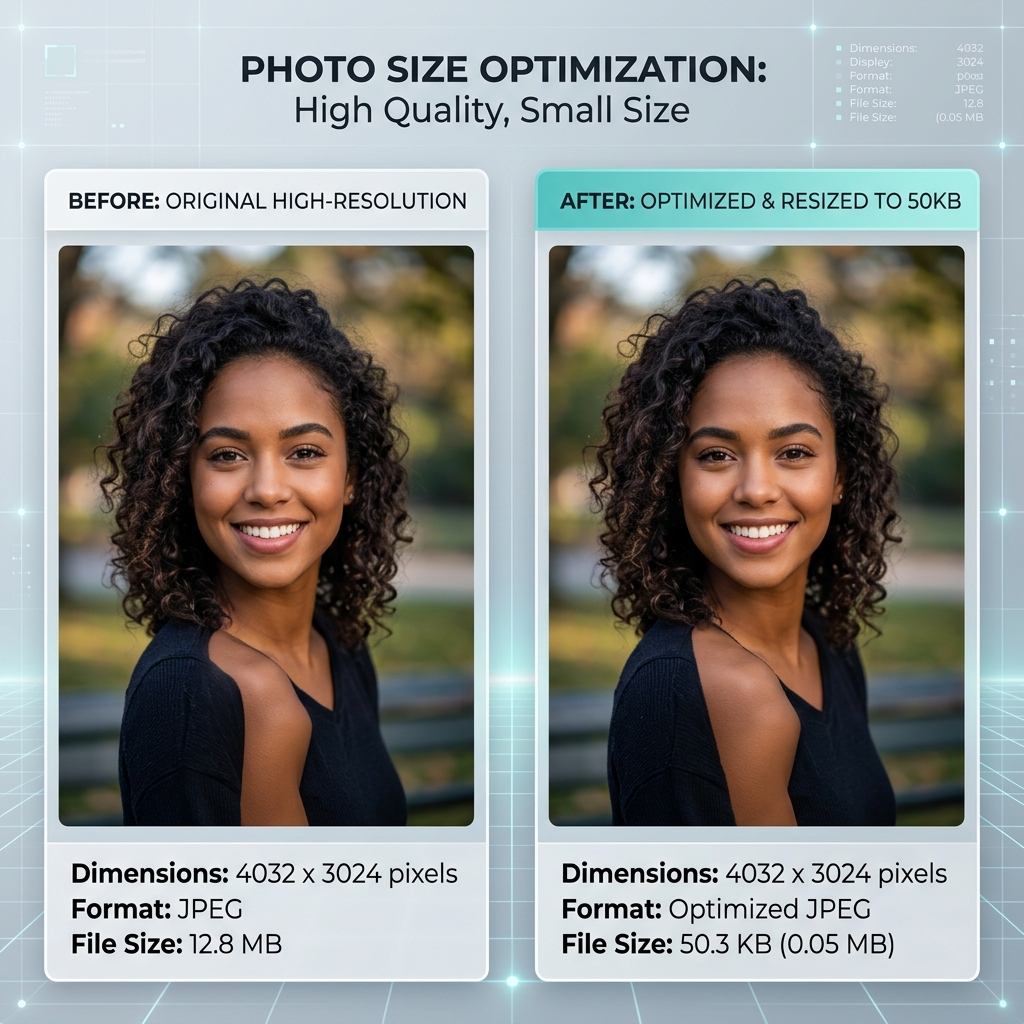
Our smart algorithm ensures your images stay under 50KB while remaining sharp and professional.
How to Resize Image to 50KB Online
- 1Click the "Upload" button and select the image you want to resize.
- 2Ensure the target size is set to 50KB in the settings.
- 3Click "Resize Image" and wait for the compression to finish.
- 4Download the processed image, which will be exactly or just under 50KB.
How to Compress Image to 50KB Without Losing Quality
Compressing an image to 50KB while maintaining clarity can be tricky. Our tool uses smart optimization to remove unnecessary metadata and fine-tune pixel structure. This ensures your passport photo or exam document remains sharp and professional even at exactly 50 KB.
50KB Image Size in Pixels (Width & Height Guide)
A 50KB image can range from 400x400 pixels to 800x800 pixels depending on the file type (JPG/PNG). For the best balance between size and quality, we recommend keeping dimensions around 600x600 pixels when aiming for a 50KB target.
Common Uses of 50KB Image
- SSC & Government Exams: Portals like SSC, UPSC, and State PSCs often require candidate photos between 20KB and 50KB.
- Job Applications: Online application forms for banks and PSCs typically set a 50KB limit for profile pictures.
- Admission Portals: College entrance exam portals (JEE, NEET) strictly enforce 50KB limits for student photos.
Best Tool to Resize Image to 50KB Online
Privacy Guaranteed
Local browser-side processing means your photos never leave your device.
Exact 50KB Output
Unlike basic compressors, we target the exact 50KB limit to pass strict portal checks.
Zero Blur Technology
Optimized for text and facial features, ensuring zero rejection on official forms.
Image Compressor to 50KB Online
Finding a reliable way to resize image to 50KB online is crucial for online applications. Most tools fail to reach the exact target or significantly reduce quality, making the image unusable for official portals. Our 50KB compressor is specifically designed for these strict limits.
Whether you need to compress JPG to 50KB, convert PNG to 50KB, or reduce image size to 50KB for a government form, our tool ensures your submission is accepted first time. We maintain the perfect balance of resolution and file size.