
Resize Signature to 20KB Online (Free) – SSC, UPSC, Exams
Reduce your scanned signature size to exactly 20KB without losing clarity. Optimized for official government job applications and entrance exams.Upload multiple images for batch processing. Your files never leave your device. 100% free & private.
Signature Size Requirements for Government Exams
| Exam Body | Required Size |
|---|---|
| SSC Exams (CGL, CHSL, GD) | 10KB to 20KB (Dimensions: 4.0 x 2.0 cm) |
| UPSC Civil Services | Max 20KB (JPG/JPEG) |
| IBPS / Banking Exams | 10KB to 50KB (Dimensions: 140 x 60 pixels) |
| Railway Recruitment (RRB) | 10KB to 40KB (Clear white background) |
Steps to Resize Signature Online
Upload your scanned signature photo
Enter 20 in the target KB field
Quality is automatically optimized for clarity
Download your perfectly sized signature
Visual Clarity Guarantee
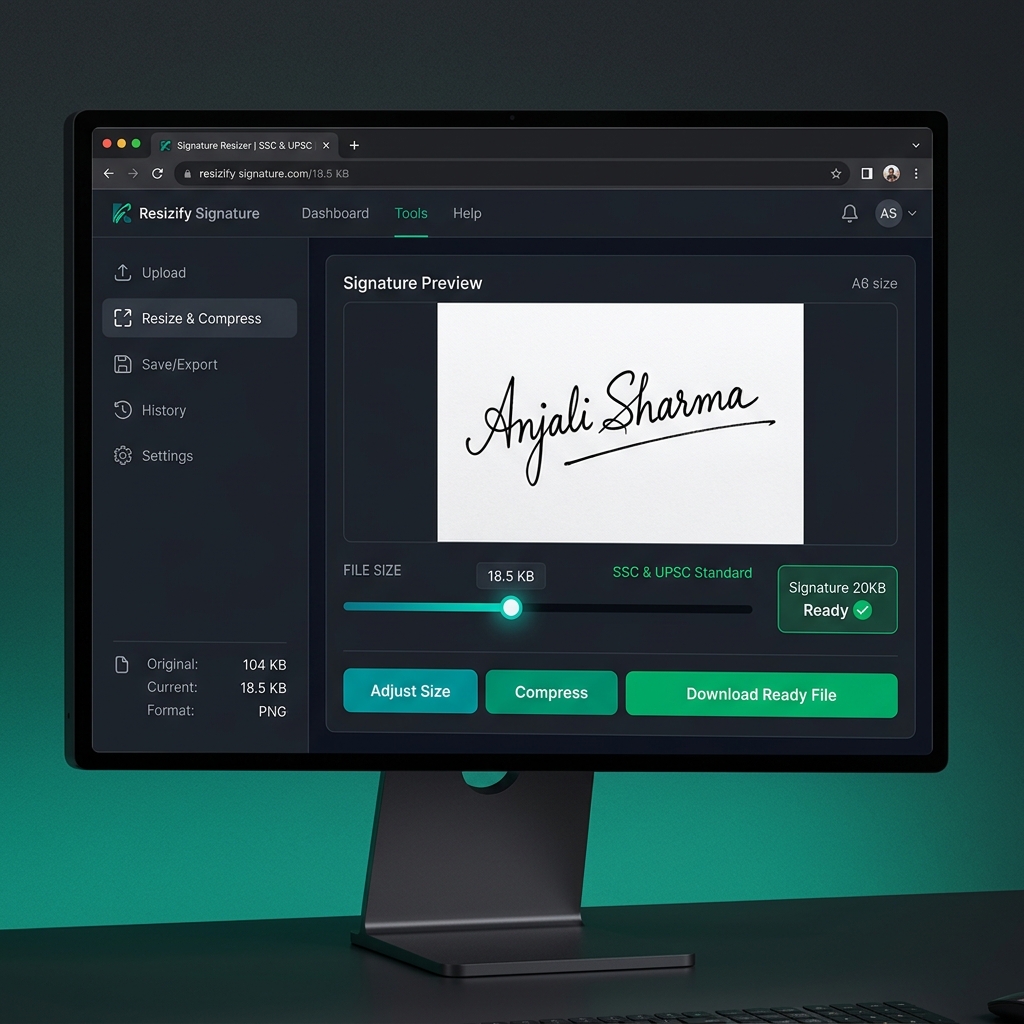
Our tool preserves signature ink strokes even at exactly 20KB for maximum readability.
How to Resize Signature to 20KB Online Free
- 1Click the "Upload" button and select your signature image.
- 2The tool will automatically set the target size to 20KB.
- 3Adjust the cropping area if needed to remove excess white space.
- 4Click "Resize Signature" and download the file for your application.
How to Compress Signature to 20KB Without Losing Clarity
Signatures are primarily thin lines on a white background. When you compress them to 20KB, normal tools often blur the ink strokes. Our "Stroke-Preserve" technology increases the contrast during compression, ensuring that even at 10KB or 20KB, your signature remains bold and readable for the verification officer.
Signature Requirements for Online Forms (2024)
- Pen Type: Always use a Black or Dark Blue ballpoint pen for maximum visibility.
- Background: Only use unruled, plain white paper. Avoid shadows or patterned backgrounds.
- No Caps: Do not sign in block/capital letters unless specifically asked.
Common Signature Upload Errors & Fixes
- File Too Large: If your signature is over 20KB, use our exact-shrink mode to hit 18KB.
- Signature Blurry: Ensure you take the photo under good lighting. Our tool will enhance the contrast.
- Wrong Dimensions: Use our proportion tool to match the required cm or pixel width/height.
Best Format for Signature (JPG vs PNG)
Most government portals only accept JPG or JPEG formats for signatures. While PNG allows for transparent backgrounds, it often results in larger file sizes. Our tool automatically converts your signature to the correct JPG format while keeping the file size strictly under the 20KB limit.
Why Use this Signature 20KB Resizer?
Exact 20KB Match
No approximate sizes. We aim for 18-19KB every time.
Zero Blur Tech
Preserves ink strokes for professional verification.
Mobile Capture Ready
Works perfectly on smartphone camera scans.
Signature Size Reducer to 20KB
Finding a reliable way to resize signature to 20KB online for free is essential for millions of applicants every year. Our signature size reducer is designed to manage the fine lines of a handwriting sample, preventing the "blur" that occurs with generic photo resizers.
Our tool is an exact size guarantee tool. When you set 20KB, we aim for 18-19KB to ensure you never get an "Upload Failed" error due to file size limits. It is the perfect signature compressor for SSC GD, UPSC, and Banking exams.